
This document describes the specifications and features of the TL-SF1005D, TL-SF1008D, and TL-SF1016D 10/100Mbps desktop switches.
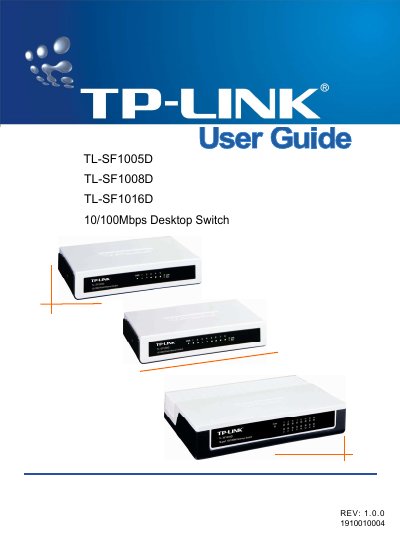
This guide introduces the TL‑SF1005D, TL‑SF1008D and TL‑SF1016D desktop switches, describing their 5, 8 or 16 auto‑negotiating 10/100 Mbps RJ45 ports, LED indicators and plug‑and‑play operation. It also explains the physical layout of the front and rear panels and the required power adapter.
Installation steps cover desk mounting, power connection and initial LED checks. The appendix provides detailed specifications such as supported IEEE standards, data rates, temperature ranges, and a troubleshooting section for common LED and link issues.
| Number of Ports | 5/8/16 10/100Mbps Auto‑Negotiation RJ45 ports |
|---|---|
| Supported Standards | IEEE802.3 10Base‑T, IEEE802.3u 100Base‑TX |
| Operating Temperature | 0 °C ~ 40 °C (32 °F ~ 104 °F) |
| Power LED | Lights when the switch powers on |
The TL‑SF1016D provides 16 auto‑negotiating 10/100 Mbps RJ45 ports.
The Power LED lights continuously when the switch is receiving power.
Check that the power cord is properly connected and that the power source is turned on.
Cables should not be longer than 100 meters (328 feet).