
Ricoh R50 Digital Camera User Manual

This manual describes how to use the camera's photo and playback functions and provides usage tips.
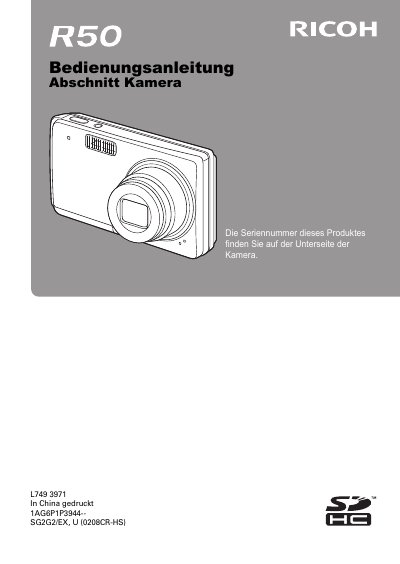

Ricoh R50 Digital Camera User Manual - cover page
Brand
Ricoh
Category
Digital cameras
Document type
User Manual
Language
German
Pages
159
File format
PDF
File size
2 MB
Published
09 July, 2012
Updated
30 September, 2023
Model
R50
MD5 checksum
5D2FC9685D2FD7C3C29405E7F5148683

About this manual

This manual provides instructions for using the Ricoh R50 digital camera, including setup, shooting modes, and playback functions. It details how to charge the battery, insert the memory card, and adjust camera settings such as date/time, ISO sensitivity, and white balance. The guide also covers specific features like the zoom, flash settings, and various scene modes for different photography situations. This manual is written in German.

What's inside

  • Safety Precautions
  • Battery Charging
  • Taking Pictures
  • Playback Functions
  • Zoom Usage
  • Flash Settings
  • Image Quality Settings
  • Setup Menu
  • Troubleshooting
  • Technical Specifications

Specifications

Document LanguageGerman

Frequently asked questions

Where is the serial number located?

The serial number can be found on the underside of the camera.

Where is the serial number located on the camera?

The serial number is found on the underside of the camera.

What should you do before using the camera properly?

You should make some test shots to ensure the product works.

Download PDF (2 MB)

More Ricoh Manuals


View all Ricoh manuals →