
This manual provides information on how to use the shooting and playback functions of this product, as well as warnings on its use.
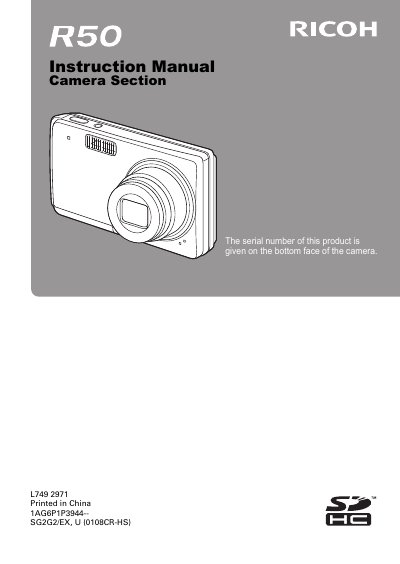
The Ricoh L749 is a CCD digital camera designed for recording still images and video clips. This instruction manual guides users through the basic operations of the device, including turning it on and off, capturing photos, and playing back media files stored in internal memory or an SD Memory Card.
| Image sensor type | 1/2.3-inch (1.1 cm) CCD |
|---|---|
| Effective pixels | Approx. 10 million pixels |
| Monitor size | 2.5-inch (6.4 cm) TFT color LCD |
| Internal memory capacity | Approx. 52 MB |
| External memory support | SD Memory Card (equivalent to a 8 GB SDHC Memory Card) |
| Shutter speed range | 1 to 1/2,000 sec. |
Yes, the image file format is JPEG compliant with DCF and DPOF standards.
The camera uses the USB 2.0 High Speed standard.