
This manual provides information on how to use the functions for taking and displaying photographs with this product, and offers warnings about the use of the product.
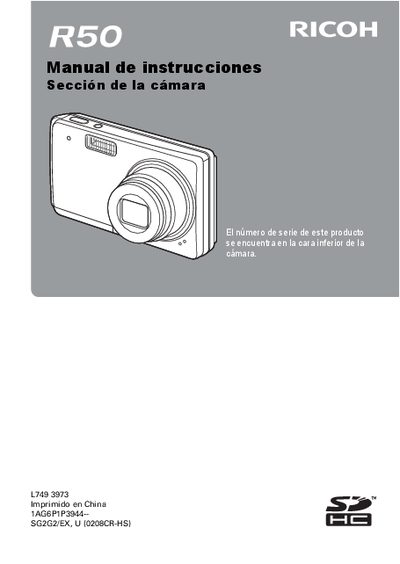
This document is the Spanish version of the user guide for the Ricoh R50 digital camera. It details how to use the device's functions for capturing and viewing photographs, including safety precautions and copyright information.
The manual covers basic operations such as turning the camera on and off, installing batteries and memory cards, and adjusting settings like date/time, ISO sensitivity, white balance, and exposure compensation. It also explains advanced features like sequential shooting, video recording, scene modes (portrait, landscape, night vision), zoom usage, and flash adjustments. This manual is written in Spanish.
The product's serial number is found on the bottom of the camera.
The serial number is located on the bottom face of the camera.