
Key facts
- Brand
- Philips
- Model
- TAT4506
- Category
- Other Electronics
- Industry
- Electronics
- Documents
- 2
- Languages
- EN · ZH
- Last added
- 2026-11-10
Start here
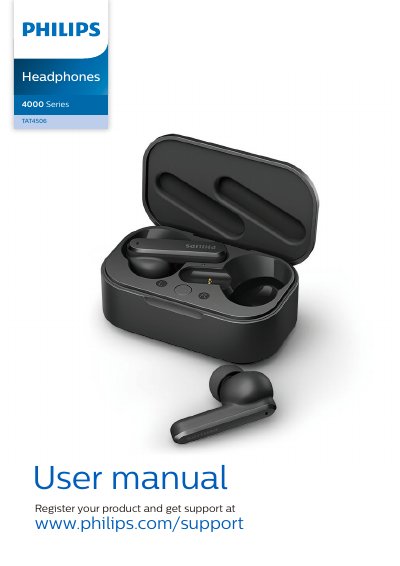
Philips TAT4506 True Wireless Earphones User Manual
This Philips user manual covers the TAT4506 true wireless earpieces, including what is in the box, charging the battery, first-time pairing, and connecting to Bluetooth devices.
It also explains ANC control, music and call management, LED indicator status, voice assistant use, reset steps, and technical data such as Bluetooth 5.0 and battery life.
Philips TAT4506 specifications
| Music time | 6 hours |
|---|---|
| Talk time | 6 hours |
| Standby time | 200 hours |
| Charging time | 2 hours |
| Battery | Lithium-ion battery 50 mAh on each earpiece, Lithium-ion battery 500 mAh on charging box |
| Bluetooth version | 5.0 |
| Supported audio codec | SBC |
| Operating range | Up to 10 meters (33 feet) |
All Philips TAT4506 documents by type
Day-to-day operation, settings and troubleshooting. Start here if the product is already set up.
Questions answered in these manuals
How long does a full charge take?
Normally, a full charge takes 2 hours for the earpieces or charging box by USB cable.
How do I reset the earpieces?
Return the earpieces to the charging box and open the lid, then short press twice on the casing button.
How do I reset the earbuds to factory settings?
Remove Philips TAT4506 from your Bluetooth device list, close the Bluetooth function on the device, place both earbuds in the charging case with the lid open, and press the button on the charging case twice.
How do I switch ANC modes?
Double-tap the right earbud to toggle between ANC On, Perception Mode (ANC Off), and ANC Off.