
This manual provides instructions for the Philips TAT4506 wireless earbuds, covering charging, Bluetooth pairing, ANC control, and technical specifications.
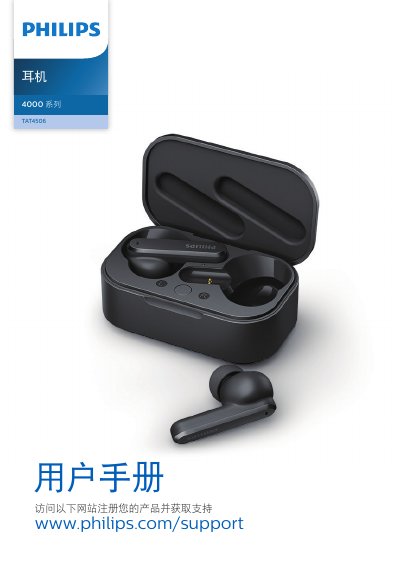
The Philips TAT4506 is a pair of pure wireless earbuds designed for hands-free calls and music playback. The package includes the earbuds, interchangeable rubber ear tips, a quick start guide, a USB-C charging cable, and a global warranty card. A separate charging case serves as a portable power bank to provide up to three full charge cycles for the earbuds. This manual is written in Chinese.
| Music Playback Time | 6 hours |
|---|---|
| Call Time | 6 hours |
| Standby Time | 200 hours |
| Charging Time | 2 hours |
| Battery Capacity (Earbuds) | 50 mAh lithium-ion battery |
| Battery Capacity (Case) | 500 mAh lithium-ion battery |
| Bluetooth Version | 5.0 |
| Operating Frequency Range | 2400-2483.5 MHz |
| Effective Distance | 10 meters (33 feet) |
Remove Philips TAT4506 from your Bluetooth device list, close the Bluetooth function on the device, place both earbuds in the charging case with the lid open, and press the button on the charging case twice.
Double-tap the right earbud to toggle between ANC On, Perception Mode (ANC Off), and ANC Off.