
Philips MCD802/98 Micro DVD Theater Quick Start Guide

This document is a quick start guide for MCD802/98 Micro DVD Theater, introducing how to install, connect and use the product.
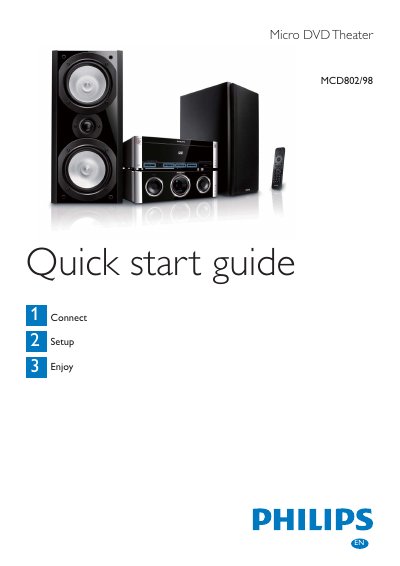

Philips MCD802/98 Micro DVD Theater Quick Start Guide - cover page
Brand
Philips
Category
Video Player
Document type
Quick Start Guide
Language
English
Pages
6
File format
PDF
File size
454 KB
Published
27 March, 2012
Updated
30 September, 2023
Models
MCD98, MCD802
MD5 checksum
470FD7FBAB6ECC632328716402ED7AF4

About this manual

This Quick Start Guide walks you through the initial setup of the Philips MCD802/98 Micro DVD Theater. It covers unpacking, installing the remote‑control batteries, connecting the composite video cable, power cord, speakers, FM antenna and other accessories.

The guide also explains basic operation such as inserting a disc, using the USB port, setting the clock, and programming FM radio stations. Safety tips for power connection and antenna placement are included.

What's inside

  • What’s in the box
  • Remote control battery installation
  • Connecting the FM antenna
  • Speaker connections
  • Power connection
  • Playing a disc
  • Setting the clock
  • USB playback
  • Radio tuning and programming

Frequently asked questions

How do I connect the FM antenna?

Connect the supplied FM T‑Type antenna to the FM ANTENNA socket on the unit and stretch it to its full length for better reception.

Download PDF (454 KB)

More Philips Manuals


View all Philips manuals →