
This document is the user manual and quick start guide for MCD 735, which describes the functions and operation steps of the product, including FM and MW radio, remote control, etc.
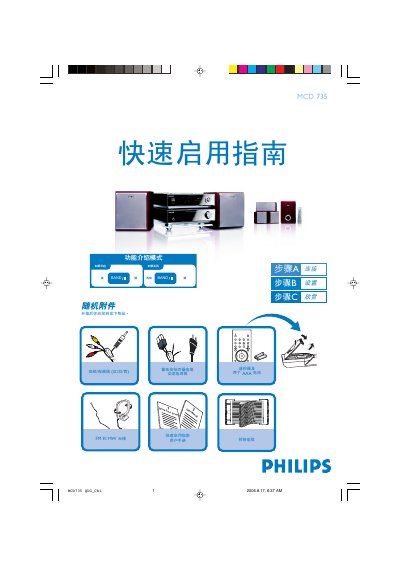
This guide walks you through unpacking the Philips MCD735, connecting the front and rear speakers, the sub‑woofer, FM/MW antennas, and the audio/video cable to a TV. It also explains how to connect the unit to AC power and select the appropriate source (DISC or TUNER).
Further sections cover clock setting, disc‑tray operation, DVD playback, and radio programming. Detailed instructions show how to set the time, open and close the disc tray, start and stop playback, and program preset radio stations using the remote control. This manual is written in Chinese.
| Supported Radio Bands | FM and MW |
|---|
In standby mode, press and hold the CLOCK button on the remote, then adjust the hour with the VOLUME +/- keys, press CLOCK again to set minutes, and press CLOCK once more to confirm.
Press the OPEN/CLOSE key (or the corresponding button on the remote) to open the disc tray, insert a disc, then press the same key again to close the tray.