
Key facts
- Brand
- Philips
- Model
- MCD709
- Category
- Hi-Fi
- Industry
- Appliances
- Documents
- 3
- Languages
- ZH
- Last added
- 2012-03-27
Start here
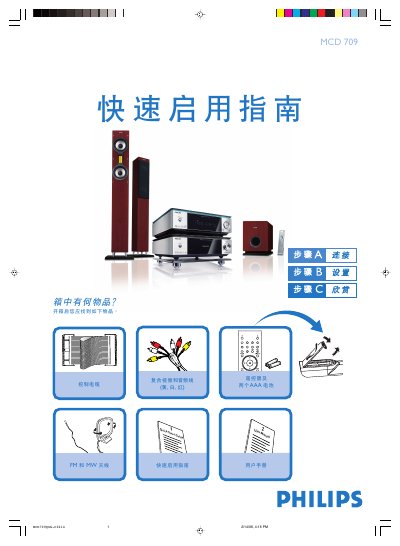
Philips MCD709 Quick Start Guide
The guide begins with a list of items included in the box and step‑by‑step instructions for connecting the speaker cables, FM/MW antennas, control cable, composite video/audio cable, and power cord to a TV. It then explains how to select the disc source, power on the TV, and choose the correct video input.
Further sections cover setting the clock, adjusting the DVD menu options, opening and closing the disc tray, playing a disc, and programming radio stations. Helpful tips are provided for interlaced‑scan TV connections and for using the remote control to access various functions. This manual is written in Chinese.
Philips MCD709 specifications
| Voltage range (default) | 220 V‑240 V |
|---|---|
| Audio system | 2.1‑channel digital amplifier |
| Decoder | Built‑in Dolby Digital decoder |
All Philips MCD709 documents by type
Day-to-day operation, settings and troubleshooting. Start here if the product is already set up.
The shortest path to a working setup, usually only a few pages.
Questions answered in these manuals
How do I set the clock on the MCD709?
In standby mode, hold the CLOCK button on the remote; when the hour digits flash, turn the VOLUME‑/+ knob or press the remote's VOLUME+/- buttons to set the hour, then repeat for minutes and confirm with the CLOCK button.
How do I open and close the disc tray?
Press the OPEN/CLOSE key (or the corresponding key on the remote) to open the tray, insert the disc with the label side up, then press the same key again to close it.
How should the speakers be connected?
Connect the right speaker to the “R” terminal and the left speaker to the “L” terminal, matching the colored (+) and black (–) wires, then tighten the terminals.
How do I connect the front speakers?
Connect the speaker wires to the SPEAKERS terminals, red (marked) to the + terminal and black (unmarked) to the – terminal, then tighten the connector.
What should I check if the unit has no power?
Make sure the AC power cord is properly connected, then press the STANDBY ON B button on the unit or the remote to turn the power on.