
This Quick Start Guide will show you how to connect, set up and enjoy your MCD 709 DVD player.
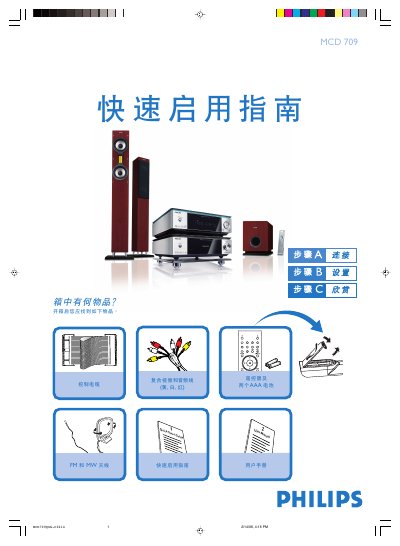
The guide begins with a list of items included in the box and step‑by‑step instructions for connecting the speaker cables, FM/MW antennas, control cable, composite video/audio cable, and power cord to a TV. It then explains how to select the disc source, power on the TV, and choose the correct video input.
Further sections cover setting the clock, adjusting the DVD menu options, opening and closing the disc tray, playing a disc, and programming radio stations. Helpful tips are provided for interlaced‑scan TV connections and for using the remote control to access various functions. This manual is written in Chinese.
In standby mode, hold the CLOCK button on the remote; when the hour digits flash, turn the VOLUME‑/+ knob or press the remote's VOLUME+/- buttons to set the hour, then repeat for minutes and confirm with the CLOCK button.
Press the OPEN/CLOSE key (or the corresponding key on the remote) to open the tray, insert the disc with the label side up, then press the same key again to close it.
Hold the PROG button on the remote for more than two seconds, then follow the on‑screen prompts to program stations in order; use the PRESET +/- (CH +/-) keys to select preset stations.