
This manual introduces some features and characteristics of MCD709 DVD Micro Theatre 2, including connection, basic operation, disc operation, system menu options and other functions.
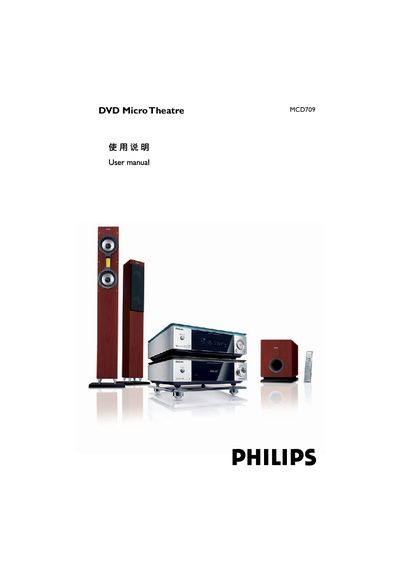
This manual covers the features of the MCD709 DVD Micro Theatre, including its 2.1‑channel digital amplifier, built‑in Dolby Digital decoder, age‑control, progressive‑scan support, and timer functions. It also lists the supplied accessories such as the remote control, speakers, and antenna cables.
Installation steps detail proper placement, ventilation, speaker wiring, and connections to TV, power, and audio/video sources. Operating instructions describe basic functions, disc playback, menu navigation, and how to adjust settings like language, subtitles, and audio modes. The troubleshooting section helps resolve common issues such as no power, no picture, or audio problems. This manual is written in Chinese.
| Audio Channels | 2.1 |
|---|---|
| Dolby Digital Decoder | Built‑in |
| Progressive Scan | Supported |
| Age Control | Yes |
Connect the speaker wires to the SPEAKERS terminals, red (marked) to the + terminal and black (unmarked) to the – terminal, then tighten the connector.
Make sure the AC power cord is properly connected, then press the STANDBY ON B button on the unit or the remote to turn the power on.