
This document introduces the features and characteristics of the FWD18 DVD Mini Hi-Fi System product
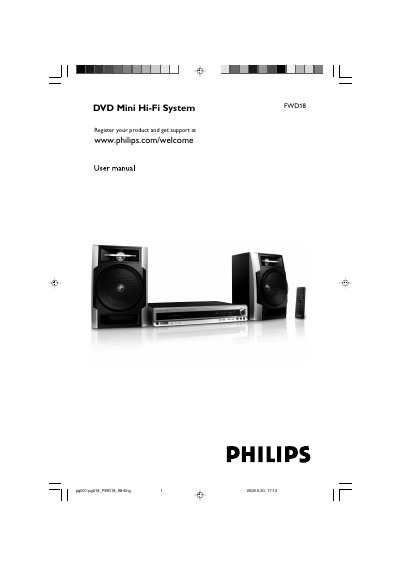
The FWD18DVD Mini Hi-Fi System is a portable home‑theater DVD player with built‑in Dolby Digital decoding, stereo amplification, and support for DVD, VCD, SVCD, CD, JPEG and MP3/WMA files. It includes a remote control, USB and MP3 LINK inputs, a tuner, and optional cassette recording.
This guide covers product registration, safety precautions, unpacking, connections, remote control functions, menu navigation, audio/video settings, recording features, specifications, and troubleshooting steps to help users operate and maintain the system safely and effectively.
| Output power | 2 x 30 W RMS |
|---|---|
| Frequency response (CD) | 100 Hz – 10 kHz / ±3 dB |
| Power consumption (active) | 70 W |
| Power consumption (standby) | ≤ 7 W |
| Dimensions (W × D × H) | 415 × 305 × 70 mm |
| Weight | 10.82 kg |
| Power supply rating | 120 – 230 V / 50‑60 Hz |
Changing the language for subtitle is prohibited on the DVD.
The voltage selector is preset at 220 V; adjust it to 110 V‑127 V before turning the system on.
Use Philips CD Lens Cleaner or any commercially available cleaner, following the supplied instructions.