
This document is a quick start guide and user manual, providing instructions and setup steps for using the composite video cable and FWD18 product.
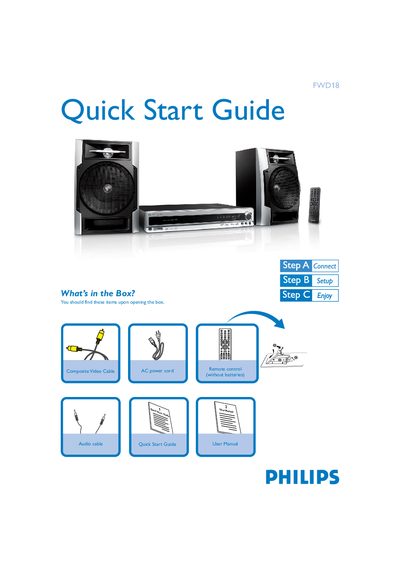
The guide begins with a list of items included in the box, such as the remote control, composite video cable, audio cable, and AC power cord. It then explains how to connect the speaker cables, composite video cable, and power supplies to both the system and the TV.
Further sections describe setting the clock, navigating system menu options, and basic operation like playing discs, tuning radio stations, and using USB flash drives or memory cards for audio playback.
| USB support | USB 2.0 or USB 1.1 |
|---|
Connect the composite video cable to the TV and attach the power supplies of both the system and the TV.
Enter the system menu and select the clock setting option to adjust the time.
The system supports USB flash memory (USB 2.0 or USB 1.1) and USB flash players; audio files stored on these devices can be played.