
Key facts
- Brand
- Philips
- Model
- DVR2008
- Industry
- Electronics
- Documents
- 2
- Languages
- ZH
- Last added
- 2012-03-26
Start here
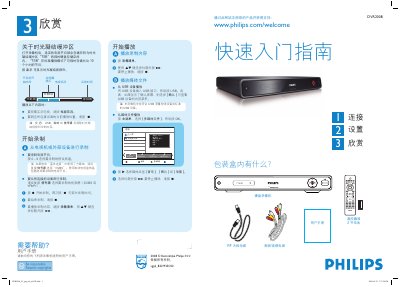
Philips DVR2008 DVR Quick Start Guide
This guide explains what is included in the box, how to connect the DVR to a TV, antenna, and external devices, and how to perform the basic wiring using either Scheme A or Scheme B. It also covers automatic channel search, date and time configuration, and language selection.
The manual describes how to play media files from USB storage, record TV programs, use the Time‑Shift Buffer (TSB) for up to 10 hours of temporary storage, and control playback and recording with the remote control keys. This manual is written in Chinese.
Philips DVR2008 specifications
| Hard drive capacity | 160 GB |
|---|---|
| Recording capacity | 123 hours |
| Standby power consumption | 3 W |
| USB interface | USB 2.0 |
| Dimensions (W×H×D) | 360 mm × 285 mm × 50 mm |
| Weight | 3 kg |
Source: Philips DVR2008 Hard Disk Video Recorder User Manual
All Philips DVR2008 documents by type
Day-to-day operation, settings and troubleshooting. Start here if the product is already set up.
The shortest path to a working setup, usually only a few pages.
Questions answered in these manuals
How do I play media files from a USB device?
Insert the USB device into the USB port, press the USB button on the remote, and confirm on the screen if prompted.
How can I set the date and time on the DVR?
Use the numeric keypad (0‑9) to enter the correct date and time, switch fields with the WX key, and confirm with OK.
How do I pause live TV on the DVR2008?
Press the single‑key pause button to temporarily stop the live broadcast; press it again to resume.
How much video can be stored on the DVR2008’s hard drive?
The built‑in hard drive can record up to 123 hours of video.