
This document is a quick start guide for Philips DVR2008, which provides basic connection methods, operation instructions, and features of the product.
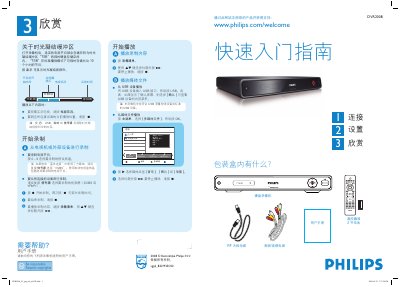
This guide explains what is included in the box, how to connect the DVR to a TV, antenna, and external devices, and how to perform the basic wiring using either Scheme A or Scheme B. It also covers automatic channel search, date and time configuration, and language selection.
The manual describes how to play media files from USB storage, record TV programs, use the Time‑Shift Buffer (TSB) for up to 10 hours of temporary storage, and control playback and recording with the remote control keys. This manual is written in Chinese.
| USB device class support | Supports USB mass storage class devices |
|---|---|
| Time‑Shift Buffer capacity | Up to 10 hours of video |
Insert the USB device into the USB port, press the USB button on the remote, and confirm on the screen if prompted.
Use the numeric keypad (0‑9) to enter the correct date and time, switch fields with the WX key, and confirm with OK.