
Key facts
- Brand
- Philips
- Model
- DVP3350K
- Category
- Player
- Industry
- Appliances
- Documents
- 4
- Languages
- ZH
- Last added
- 2012-03-26
Start here
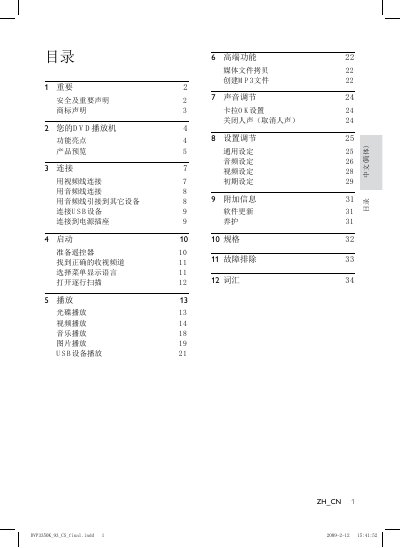
Philips DVP3350K DVD Player User Guide
This guide explains the features of the Philips DVP3350K DVD player, how to connect power, audio/video and USB cables, and how to operate playback functions. It also covers menu navigation, settings adjustments and safety precautions.
The manual lists supported media formats (DVD 525p/625p, MP3, WMA, JPEG, DivX), describes the available output connectors (Audio L/R, CVBS, Digital/Coaxial) and provides technical specifications such as USB 2.0 interface. This manual is written in Chinese.
Philips DVP3350K specifications
| USB Interface | USB 2.0 high‑speed |
|---|---|
| DVD Region Code | All |
| Supported Video Formats | DivX® video |
All Philips DVP3350K documents by type
Day-to-day operation, settings and troubleshooting. Start here if the product is already set up.
Questions answered in these manuals
How can I register my Philips DVD player for support?
Visit www.philips.com/welcome and register the product to obtain full Philips support.
What should I do if there is no picture on the screen?
Check the TV’s input source and video settings, enable progressive scan if needed, and ensure the correct video cable is connected.
How can I create MP3 files directly from a CD without a computer?
Use the one‑key MP3 creation feature to convert CD tracks to MP3 and store them on a USB flash drive via the USB cable.
What is the power consumption of the DVD player during use and standby?
The player consumes less than 10 W during operation and less than 1 W in standby mode.
How can I create MP3 files directly from a CD?
Use the one‑key MP3 creation feature to convert CD tracks to MP3 files and store them on a USB flash drive without a computer.
What is progressive scan and how does it improve picture quality?
Progressive scan sends both odd and even lines simultaneously, doubling vertical resolution for a clearer image.