
Key facts
- Brand
- Philips
- Model
- DVP3360K
- Category
- Player
- Industry
- Appliances
- Documents
- 4
- Languages
- PT · EN · ZH
- Last added
- 2012-05-02
Start here
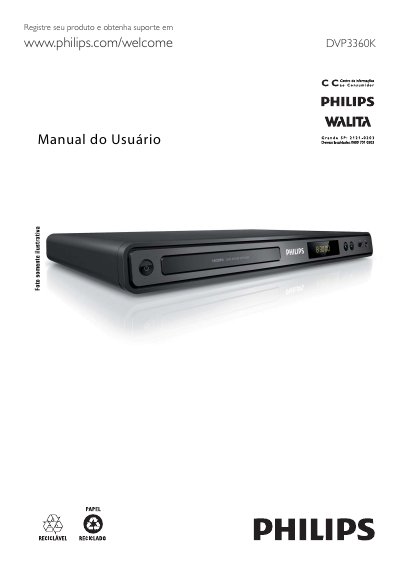
Philips DVP3360K DVD Player User Manual
This manual guides owners of the Philips DVP3360K DVD player through initial setup, safety precautions, and basic operation. It describes the device’s main features such as 1080p video enhancement, EasyLink HDMI‑CEC control, and MP3 creation from CDs.
The document includes detailed sections on connecting video and audio cables, using the remote control, playing various media formats, adjusting sound and picture settings, updating firmware, and troubleshooting common issues. It also contains warranty information and a list of authorized service centers in Brazil. This manual is written in Portuguese.
Philips DVP3360K specifications
| Video resolution | Up to 1080p |
|---|---|
| USB interface | Hi‑Speed USB 2.0 |
| DVD region code | All (ALL) – Latin America |
| HDMI connection | HDMI IN for video and audio |
All Philips DVP3360K documents by type
Day-to-day operation, settings and troubleshooting. Start here if the product is already set up.
Questions answered in these manuals
How do I connect the DVD player to my TV?
Use an HDMI cable for the best picture quality, or connect via component (Y‑Pb‑Pr) or composite (CVBS) cables as described in the manual.
Can I create MP3 files with this DVD player?
Yes, the player can convert audio tracks from a CD into MP3 files and save them on a USB flash drive.
How do I connect the DVD player to my TV?
You can connect the player using HDMI, component video (Y Pb/Pr) or composite video (CVBS) cables as described in the manual.
What is Philips EasyLink?
EasyLink is Philips' implementation of HDMI‑CEC that lets compatible devices control each other with a single remote.
How do I connect the DVD player to my TV?
Use the HDMI connector for the best picture, or connect component (Y Pb Pr) or composite (CVBS) cables as described in the Connections section.