
This manual describes the features and usage of the Philips DVP3360K DVD player, including safety and important notices, product overview, connection, playback, advanced features, adjusting sound and adjusting settings.
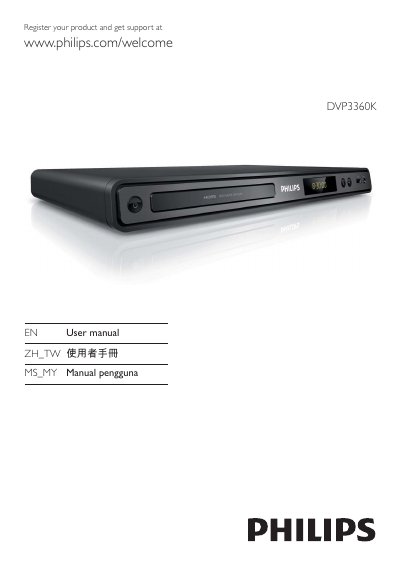
This manual introduces the Philips DVP3360K DVD player, outlining safety information, product overview, and key features such as 1080p upscaling and EasyLink HDMI‑CEC control.
It then guides you through connecting the player via HDMI, component or composite video, using USB storage, operating playback functions, adjusting audio/video settings, creating MP3 files, and troubleshooting common issues.
| Maximum video resolution | 1080p |
|---|---|
| USB interface | USB 2.0 |
| HDMI CEC (EasyLink) | Supported |
You can connect the player using HDMI, component video (Y Pb/Pr) or composite video (CVBS) cables as described in the manual.
EasyLink is Philips' implementation of HDMI‑CEC that lets compatible devices control each other with a single remote.