
This document is the user manual of Philips DCD132, which introduces the features and characteristics of this product, including function introduction, usage instructions, playback, setup, troubleshooting and other contents.
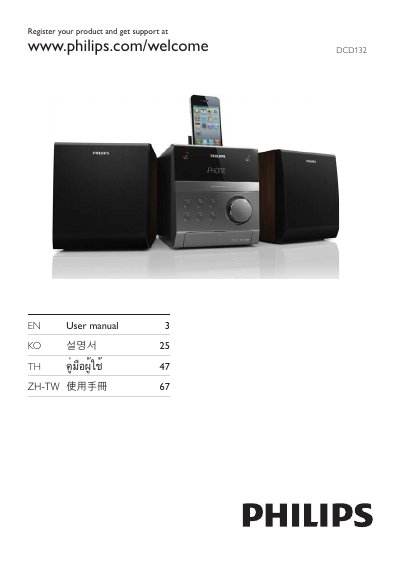
This manual covers product registration, safety symbols, and an overview of the main unit, including the included speakers, remote control, and connection ports. It guides you through initial setup steps such as placing the player, connecting speakers, TV, USB storage, and installing the battery in the remote control.
Later sections detail how to use the player – selecting discs, playing audio files, adjusting sound, and using features like Dynamic Bass Boost. The specifications chapter lists supported disc formats, region codes, and USB playability, while the troubleshooting chapter offers solutions for common issues such as no power, disc errors, and audio problems.
| DVD region code | Asia Pacific, Taiwan, Korea |
|---|
Visit www.philips.com/welcome and follow the registration instructions.
Open the battery tray, insert a lithium CR2025 battery with correct polarity, and close the tray.
Make sure the disc is readable, placed label side up, and matches the supported region code and format; clean or replace the disc if needed.