
This document provides instructions on how to set up and use Philips products, including connecting the power adapter, setting the clock and alarm time, selecting alarm mode, tuning the radio, and more.
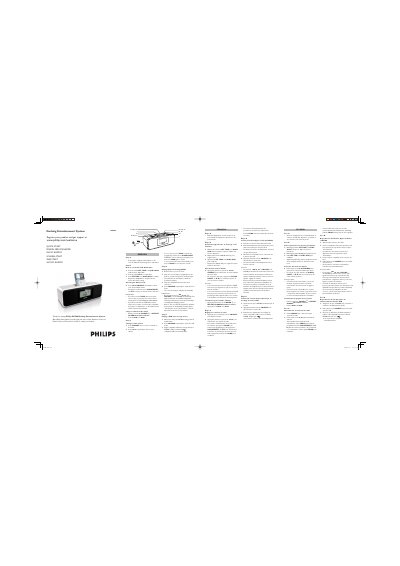
This guide walks you through the basic setup of the Philips DC200 Docking Entertainment System. It explains how to connect the supplied 9 V DC mains adapter, power the unit, and register the product for support.
It then covers everyday functions such as setting the clock and alarm, selecting alarm modes (nature sounds, tuner, iPod/USB), tuning radio stations, and playing music from an Apple iPod or a USB mass‑storage device. Multilingual instructions are provided for several European languages.
| Power input | 9 V DC |
|---|
Press and hold SET TIME or 1 ALM/2 ALM until the hour digits flash, then press and hold ∞ § to adjust the time and confirm with SET TIME or 1 ALM/2 ALM.
You can briefly press POWER 2 or REPEAT ALARM/BRIGHTNESS CONTROL, or press 1 ALM, or press 2 ALM.