
The Philips DC200 clock radio can be used to listen to the radio, play iPod and USB devices.
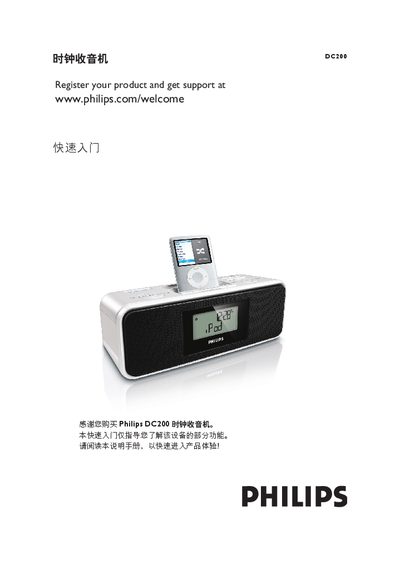
This guide introduces the main functions of the Philips DC200 clock radio. It explains how to connect the power adapter, register the product online, and get support.
Step‑by‑step instructions show how to set the clock and alarms, tune FM stations, and play audio from a compatible iPod or a USB mass‑storage device using the SOURCE button and on‑device controls. This manual is written in Chinese.
| Power input | 9 V DC |
|---|
Press SOURCE to turn on the radio, then repeatedly press the tuning button until the desired station is reached.
Insert a compatible iPod into the dock adapter, then repeatedly press SOURCE to select iPod mode; playback starts automatically.