
This document is a quick use guide that explains how to choose a power supply, listen to the radio, play CDs, and play tapes.
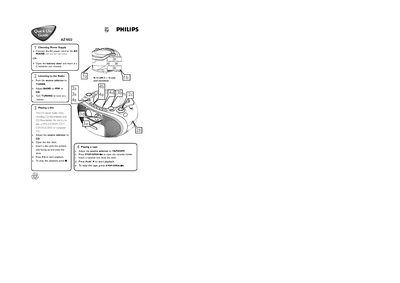
The guide explains how to power the AZ1022 either by connecting the AC power cord to the mains inlet or by inserting six C batteries. It then describes selecting the source (radio, CD, or tape) and adjusting the band and tuning to receive stations.
Instructions are provided for playing CDs and tapes, including opening the disc or cassette door, inserting media, and using the PLAY, STOP, and other control buttons. Additional controls such as volume, shuffle, repeat, bass enhancement, and programming of disc tracks are also covered.
| Battery Type | C batteries (not included) |
|---|
Press the SHUFFLE button to select shuffle mode.