
Introduces the use of AZ1022CDSoundmachine, including control keys/power supply, general operation/radio, CD playback, recording, and use of spare batteries
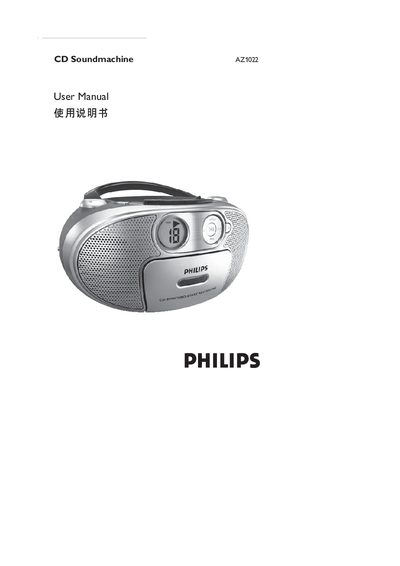
This manual explains how to connect the AZ1022 CD Soundmachine to an AC mains power source, install batteries, and operate its various functions. It covers the front panel controls such as POWER, VOLUME, PLAY, PAUSE, STOP, REPEAT, SHUFFLE, and PROGRAM, as well as source selection between CD, TUNER, and TAPE.
Safety guidelines are included, warning against laser exposure, improper handling, and ensuring the correct power supply is used. The document also describes playback modes, programming of track sequences, and how to use the built‑in FM/AM radio and MP3/CD‑ROM capabilities. This manual is written in Chinese.
| Power supply | AC mains |
|---|---|
| Battery type | 1.5V R‑14 (or UM‑2 / C type) |
| Supported media | CD, MP3, CD‑ROM, VCD, DVD |
Press the PLAY button on the front panel.
Press PAUSE to pause and STOP to stop the current playback.
Turn the VOLUME control to increase or decrease the sound level.
Connect the unit to an AC mains power outlet.