
Key facts
Start here
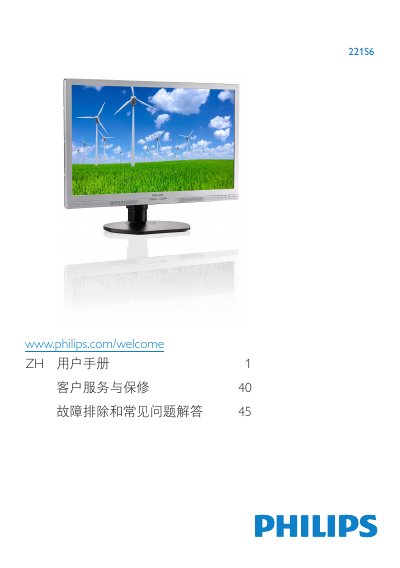
Philips 221S6 Monitor User Manual
This user guide covers the setup of the Philips 221S6 monitor, including base installation and connecting to a PC. It details how to use the on-screen display (OSD) buttons to adjust settings like brightness, contrast, and volume, as well as selecting SmartImage modes such as Office, Photo, Movie, Game, and Economy. This manual is written in Chinese.
Read onlinePhilips 221S6 specifications
| Operating temperature | 0-40°C (32-95°F) |
|---|---|
| Operating humidity | 20-80% RH |
| Height adjustment | 110 mm |
| Swivel adjustment | +75 / -75 |
All Philips 221S6 documents by type
Day-to-day operation, settings and troubleshooting. Start here if the product is already set up.
Questions answered in these manuals
What should I do if water or a foreign object enters the monitor?
Turn the monitor off immediately and unplug the power cord. Remove the foreign object or wipe up the water, then send the monitor to a service center.
What are the specified operating temperature and humidity limits?
The manual specifies 0-40°C (32-95°F) and 20-80% RH.
What are the available SmartImage modes?
The monitor offers six modes: Office, Photo, Movie, Game, Economy, and Off.
What is the recommended operating temperature range?
The monitor should be used in an environment with a temperature between 0-40°C (32-95 °F).