
Key facts
- Brand
- Philips
- Model
- AC2936/AC2939
- Category
- Air Cleaners Purifiers
- Industry
- Appliances
- Documents
- 2
- Languages
- EN
- Last added
- 2026-11-11
Start here
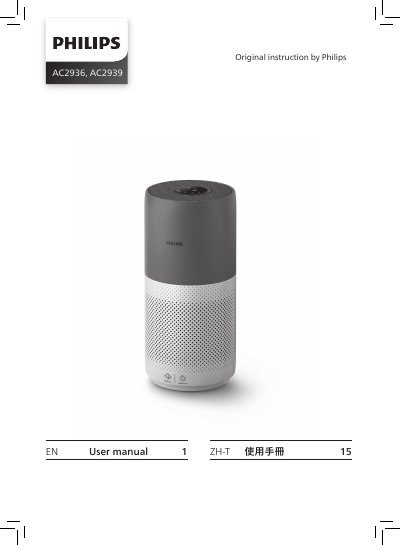
Philips AC2936/AC2939 Air Purifier User Manual
The Philips AC2936/AC2939 air purifier user manual explains how to set up the appliance, including installing the NanoProtect filter Series 3 (FY2180/30) and connecting the purifier to a Wi-Fi network with the Philips Air+ app. It also describes the control panel, the Wi-Fi indicator states and the air quality light.
The manual covers everyday operation: turning the purifier on and off, choosing Auto, Turbo, Gentle or Sleep mode, switching the display indicator, using the light on/off function and setting the child lock. Cleaning and maintenance instructions cover the body, the particle sensor and the filter surface, along with filter replacement and reset, storage and troubleshooting.
Philips AC2936/AC2939 specifications
| Filter | NanoProtect filter Series 3 (FY2180/30) |
|---|---|
| Operating modes | Auto, Turbo, Gentle, Sleep |
| Air quality reading time | Approximately 30 seconds |
All Philips AC2936/AC2939 documents by type
Day-to-day operation, settings and troubleshooting. Start here if the product is already set up.
Questions answered in these manuals
What should I do before installing the filter?
Make sure the air purifier is unplugged from the electrical outlet before installing the filter.
Which app is used to connect the air purifier to Wi-Fi?
The manual instructs you to download and install the Philips Air+ app from the App Store or Google Play, then follow the onscreen instructions.
How do I connect the air purifier to Wi-Fi?
Download the Philips "Clean Home+" app, connect your smartphone to your Wi-Fi network, and follow the onscreen instructions in the app to connect the air purifier.
What does the air quality light color indicate?
The color indicates the air quality level based on IAI or PM2.5 readings, ranging from Blue (Good) to Red (Very poor).