
Key facts
Start here
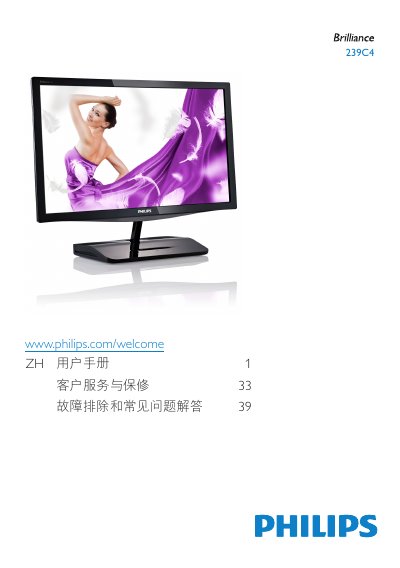
Philips 239C4 Monitor User Manual
The Philips 239C4 monitor user manual provides safety precautions, installation and operation instructions, Wi-Fi Miracast setup, and image optimization features such as SmartImage, SmartKolor, SmartContrast, SmartSharpness, SmartControl Premium, and SmartDesktop.
It also lists technical specifications and resolution presets, power management information, regulatory and recycling notices, warranty and pixel defect policy, customer service details, and troubleshooting with frequently asked questions. This manual is written in Chinese.
Philips 239C4 specifications
| Native resolution | 1920 x 1080 @ 60 Hz |
|---|---|
| Operating temperature | 0-40°C (32-95°F) |
| Operating humidity | 20-80% RH |
| AC/DC adapter model | Philips ADPC1965, ADS-65LSI-19-1 19065G |
All Philips 239C4 documents by type
Day-to-day operation, settings and troubleshooting. Start here if the product is already set up.
Questions answered in these manuals
What resolution gives the best results on the Philips 239C4?
Use 1920 × 1080 @ 60 Hz for best results.
How should I clean the monitor?
Unplug the power cord and wipe with a slightly damp cloth; do not use organic solvents or ammonia-based liquids.
How should I clean the LCD surface?
Use a dry soft cloth; for deeper cleaning, lightly dampen the cloth with isopropyl alcohol, avoiding solvents such as acetone or regular alcohol.