
User manual for the Philips 221S6 monitor covering safety, installation, USB docking use, technical specifications, power management and troubleshooting.
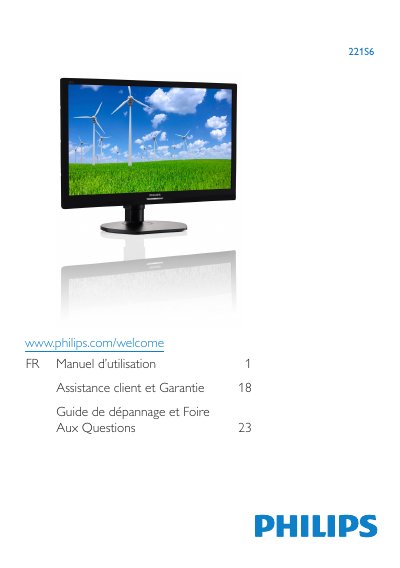
Philips 221S6 is a monitor covered by this French-language user manual. The document provides safety and maintenance precautions, installation and operating instructions, information on the USB docking display, technical specifications, power management, customer care and warranty, and troubleshooting with frequently asked questions.
It includes procedures for connecting the monitor to a PC, using the monitor, and removing the base assembly for VESA mounting. It also lists operating temperature and humidity limits and gives guidance on cleaning and avoiding burn-in or ghost images. This manual is written in French.
| Operating temperature | 0-40°C (32-95°F) |
|---|---|
| Operating humidity | 20-80% RH |
| Height adjustment | 110 mm |
| Swivel adjustment | +75 / -75 |
Turn the monitor off immediately and unplug the power cord. Remove the foreign object or wipe up the water, then send the monitor to a service center.
The manual specifies 0-40°C (32-95°F) and 20-80% RH.
Connect the monitor's signal cable to the video connector on the back of the PC, then connect the power cords and turn on the PC and monitor.
Unplug the monitor and use a slightly damp cloth, or a dry cloth while it is off. Do not use organic solvents such as alcohol or ammonia.