
This manual provides installation, operation, image optimization settings, technical specifications, and troubleshooting for the Philips 221S6 monitor.
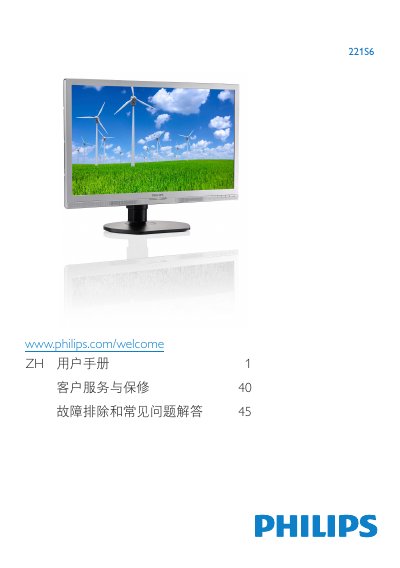
This user guide covers the setup of the Philips 221S6 monitor, including base installation and connecting to a PC. It details how to use the on-screen display (OSD) buttons to adjust settings like brightness, contrast, and volume, as well as selecting SmartImage modes such as Office, Photo, Movie, Game, and Economy. This manual is written in Chinese.
The monitor offers six modes: Office, Photo, Movie, Game, Economy, and Off.
The monitor should be used in an environment with a temperature between 0-40°C (32-95 °F).
It may cause permanent image retention (burn-in) on the screen, which is not covered by the warranty.