
Key facts
Start here
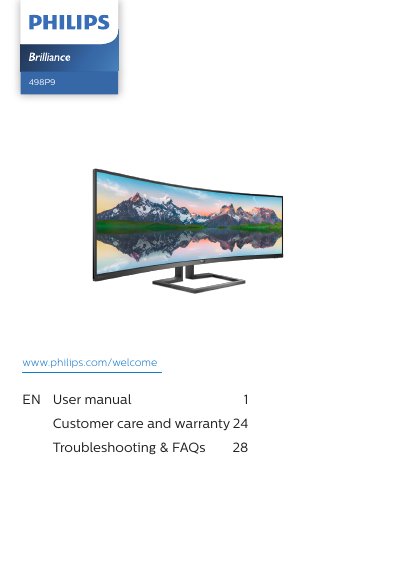
Philips 498P9 Monitor User Manual
The Philips 498P9 is a curved monitor. This user manual explains safety precautions and maintenance, setting up and operating the monitor, the MultiClient Integrated KVM and MultiView functions, and image optimization with SmartImage, SmartContrast and Adaptive Sync.
It also covers technical specifications, resolution and preset modes, power management, Philips' pixel defect policy, customer care and warranty, and troubleshooting and FAQs.
Philips 498P9 specifications
| Operating temperature | 0-40°C (32-104°F) |
|---|---|
| Operating humidity | 20-80% RH |
| Panel design | Curved |
All Philips 498P9 documents by type
Day-to-day operation, settings and troubleshooting. Start here if the product is already set up.
Questions answered in these manuals
What should I do if the monitor gets wet?
Wipe it with a dry cloth as soon as possible.
How should I clean the monitor?
Unplug it, wipe the screen with a dry cloth when the power is off, and do not use alcohol or ammonia-based liquids.
What should I do if water or a foreign object enters the monitor?
Turn off the monitor and disconnect the power cord immediately, then remove the object or drain the water and send the monitor to a service center.
What is the operating temperature range?
The manual specifies 0–40 °C (32–104 °F).