
This document is an electronic user manual for Philips color monitors, including safety precautions, troubleshooting, product information, installation, screen display, customer service, and warranty.
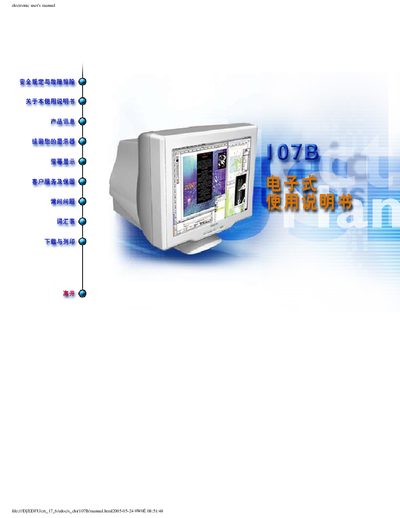
This manual covers safety precautions, proper handling, and troubleshooting tips for the Philips 107B color monitor. It explains warning symbols, how to connect power and video cables, and the importance of using the rotating base for stability.
The guide also describes the on‑screen display (OSD) controls for adjusting brightness, contrast, and other picture settings, and includes specifications such as dimensions, power consumption, operating temperature, and automatic power‑saving modes. This manual is written in Chinese.
| Dimensions (with base) | 15.6 x 15.0 x 16.7 in (397 × 382 × 423.5 mm) |
|---|---|
| Dimensions (without base) | 15.6 x 13.1 x 16.7 in (397 × 333.5 × 423.5 mm) |
| Power Input | 100‑240 VAC, 50‑60 Hz |
| Operating Temperature | 0 °C to 40 °C (32 °F to 104 °F) |
| Relative Humidity (Storage) | 15 % to 95 % |
| Power Consumption (VESA On) | < 75 W (≈9 % energy saving) |
| Power Consumption (VESA Standby) | < 2 W (≈99 % energy saving) |
| Power Consumption (VESA Off) | < 2 W (≈99 % energy saving) |
Press the power button on the front of the monitor.
If the connected PC follows the VESA DPMS standard, the monitor can automatically enter On, Standby, or Off modes with reduced power consumption.
The monitor operates safely between 0 °C and 40 °C (32 °F to 104 °F).