
This document is the instruction manual for the 107B computer display. It mainly introduces the use method, precautions and troubleshooting methods of the display
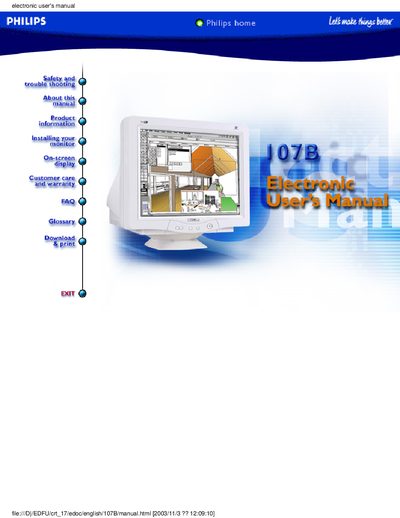
This electronic user manual provides safety and troubleshooting guidelines, installation steps, on‑screen display settings, and detailed product information for the Philips 107B 17‑inch color monitor. It also covers the LightFrame™ feature, automatic power‑saving functions, and warranty details.
The guide includes technical specifications, FAQs about LightFrame™ versions, and information on optional accessories such as the Multimedia Base. All sections are intended for end‑users and service personnel who need to operate or maintain the monitor.
| Dot pitch | 0.21 mm |
|---|---|
| Horizontal scanning frequency | 30 – 86 kHz |
| Vertical scanning frequency | 50 – 160 Hz |
| Video dot rate | 176 MHz |
| Input impedance (video) | 75 Ω |
| Input signal level | 0.7 Vpp |
LightFrame™ 3 can enhance up to eight windows simultaneously.
The recommended display area is 12.0" × 9.0" (306 × 230 mm).