
Key facts
- Brand
- Panasonic
- Model
- WV-CP480
- Category
- Monitoring Equipment
- Industry
- Electronics
- Documents
- 5
- Languages
- EN · ZH
- Last added
- 2012-08-08
Start here
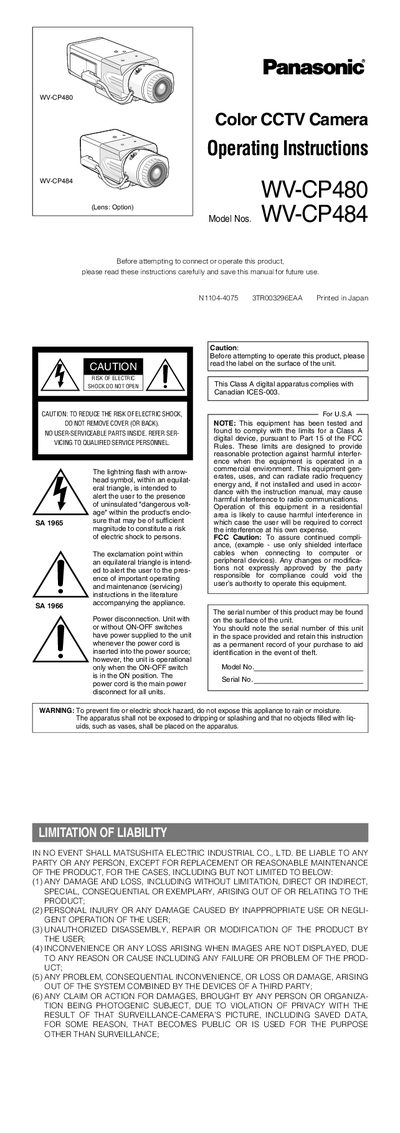
Panasonic WV-CP480/WV-CP484 CCTV Camera User Manual
This manual provides safety warnings, handling instructions, and installation guidance for the Panasonic WV-CP480 and WV-CP484 color CCTV cameras. It explains power requirements, connector functions, lens mounting, and back‑focus adjustment procedures.
The document also details menu navigation, language selection, camera ID configuration, light‑control modes (ALC/ELC), and special features such as Super‑Dynamic 3, privacy zones, and alarm output settings.
Panasonic WV-CP480 specifications
| Power source pin voltage | +9 V DC, 50 mA max |
|---|---|
| Video signal level | 0.7 V P‑P / 40 kΩ |
| Operating voltage range (DC) | 10.8 V DC to 16 V DC |
Source: Panasonic WV-CP480 / WV-CP484 CCTV Camera User Manual
All Panasonic WV-CP480 documents by type
Day-to-day operation, settings and troubleshooting. Start here if the product is already set up.
Questions answered in these manuals
How do I change the language on the camera?
Select LANGUAGE on the top menu, press SET, then choose the desired language from the list.
How can I set a camera ID?
Use the CAMERA ID menu to enter up to 16 characters, then press SET to save the ID that will overlay on the picture.
Can the WV‑CP484 be powered by 24 V AC?
Yes, the WV‑CP484 can be powered by a 24 V AC supply (or 12 V DC).
How should the CCD faceplate be cleaned?
Use lens tissue or a cotton‑tipped applicator with ethanol; avoid strong or abrasive detergents.
What power source does the WV‑CP480 require?
The WV‑CP480 is powered from a 220‑240 V AC mains supply at 50 Hz.
From: Panasonic WV-CP480 / WV-CP484E CCTV Camera Operating Instructions
What power options are available for the WV‑CP484E model?
The WV‑CP484E can be powered by either 24 V AC or 12 V DC.
From: Panasonic WV-CP480 / WV-CP484E CCTV Camera Operating Instructions