
Key facts
Start here
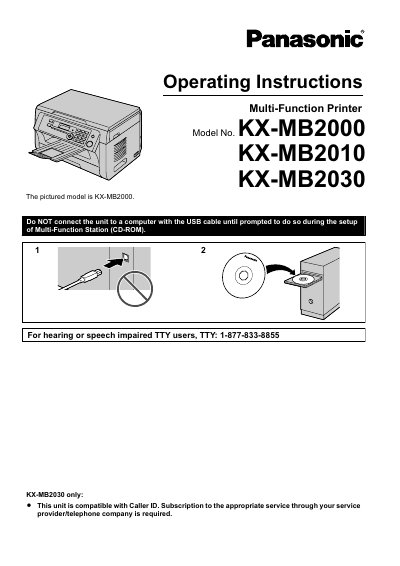
Panasonic KX-MB2000 / KX-MB2010 / KX-MB2030 Multi-Function Printer Operating Instructions
This manual provides operating instructions and safety guidelines for the Panasonic KX-MB2000, KX-MB2010, and KX-MB2030 Multi-Function Printers. It covers initial setup, accessories, and safety precautions regarding laser radiation, LED light, and the hot fuser unit.
The guide details core operations including printing, scanning, and copying, as well as fax and caller ID features specific to the KX-MB2030 model. It also includes instructions on routine maintenance, cleaning, troubleshooting, and resolving paper jams.
Panasonic KX-MB2000 specifications
| LED radiation output | Max. 1 mW |
|---|---|
| LED wavelength (Red) | 630 nm typ. |
| LED wavelength (Green) | 520 nm typ. |
| LED wavelength (Blue) | 465 nm typ. |
Source: Panasonic KX-MB2000 / KX-MB2010 / KX-MB2030 Multi-Function Printer Operating Instructions
All Panasonic KX-MB2000 documents by type
Day-to-day operation, settings and troubleshooting. Start here if the product is already set up.
Questions answered in these manuals
Is the KX-MB2030 compatible with Caller ID?
Yes, the KX-MB2030 is compatible with Caller ID, but a subscription to the appropriate service through your service provider is required.
From: Panasonic KX-MB2000 / KX-MB2010 / KX-MB2030 Multi-Function Printer Operating Instructions
How should I protect my privacy when disposing of, transferring, or returning the product?
You should erase the private/confidential information stored in the memory before disposing of, transferring, or returning the product.
From: Panasonic KX-MB2000 / KX-MB2010 / KX-MB2030 Multi-Function Printer Operating Instructions
What is the print speed of the KX-MB2000 series?
The printer can print up to 24 pages per minute.
Does the printer have an automatic document feeder?
Yes, it includes an automatic document feeder that holds up to 20 sheets.