
Key facts
Start here
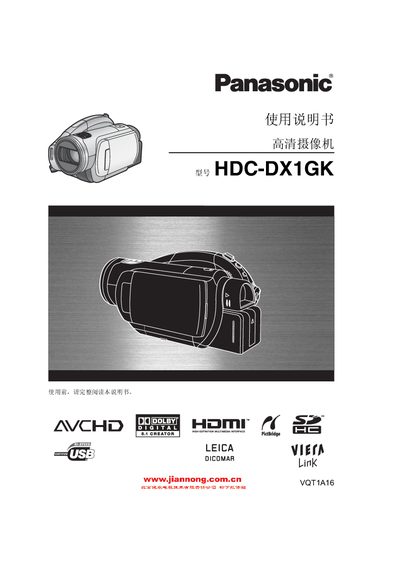
Panasonic HDC-DX1GKManual
This manual covers safety precautions, preparation steps, and detailed operation of the Panasonic HDC-DX1GK camcorder. It explains how to handle accessories, use the LCD monitor and viewfinder, operate the remote control, and manage discs and memory cards.
The guide also describes recording modes, playback functions, HDMI connection for HD viewing, 5.1‑channel Dolby Digital audio, and environmental disposal information. Technical specifications and troubleshooting tips are included at the end of the document. This manual is written in Chinese.
Panasonic HDC-DX1GK specifications
| Maximum video resolution | 1440×1080 (1080 lines) |
|---|---|
| Standard video resolution | 720×576 (576 lines) |
| Built‑in microphones | 5 |
| Audio format | Dolby Digital 5.1 |
| HDMI port | Present |
All Panasonic HDC-DX1GK documents by type
Day-to-day operation, settings and troubleshooting. Start here if the product is already set up.
Questions answered in these manuals
How do I connect the camcorder to an HDTV for HD playback?
Connect the camcorder to the HDTV using an HDMI cable.
What types of memory cards can be used with the HDC‑DX1GK?
The camcorder supports SD, miniSD, and SDHC memory cards.