
Key facts
Start here
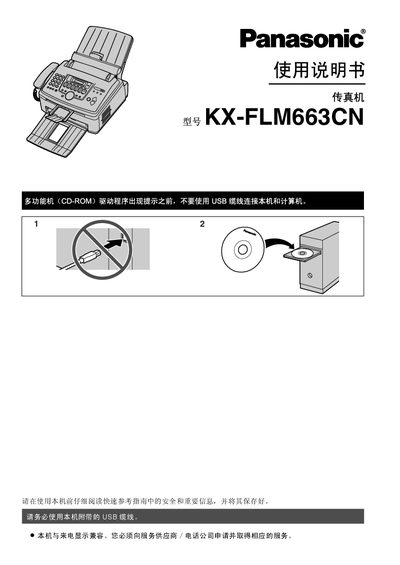
Panasonic KX-FLM663C Fax Machine User Manual
This manual covers the installation of the Panasonic KX-FLM663C fax machine, including required accessories, wiring, and initial configuration. Safety information, laser specifications, and handling of consumables such as toner cartridges and drum units are detailed to ensure reliable performance.
Operating procedures for fax sending, receiving, caller ID, and multifunction features (copy, scan, print) are explained, along with routine maintenance, cleaning, and troubleshooting steps for common issues like paper jams and error messages. This manual is written in Chinese.
Panasonic KX-FLM663C specifications
| Laser output | 最大SmwW |
|---|---|
| Laser wavelength | 760nm-810nm |
| Toner cartridge part number | KX-FAC283ECN |
| Drum unit part number | KX-FA84E |
| Estimated print yield (5% coverage) | ≈800 A4 pages |
All Panasonic KX-FLM663C documents by type
Day-to-day operation, settings and troubleshooting. Start here if the product is already set up.
Disassembly, diagnostics and part numbers, for repair.
Questions answered in these manuals
How many pages can be printed with a full toner cartridge?
At 5 % coverage the machine can print about 800 A4 pages before the toner needs replacement.
What safety precautions are required for the laser unit?
Avoid looking directly at the laser, keep the unit away from bright light, and handle it only as described in the safety section.
What is the recommended power supply voltage for the machine?
The machine operates on 220–240 V AC, 50/60 Hz, drawing up to 4.3 A.
From: Panasonic KX-FLM663CNS/FLM663CNW Fax Machine Service Manual
How many pages can the paper tray hold?
The paper tray can hold up to 250 pages of 60 g/m²‑75 g/m² paper.
From: Panasonic KX-FLM663CNS/FLM663CNW Fax Machine Service Manual