
Key facts
- Brand
- Panasonic
- Model
- AJ-PCD20
- Category
- Other device
- Industry
- Industrial
- Documents
- 4
- Languages
- EN
- Last added
- 2012-08-09
Start here
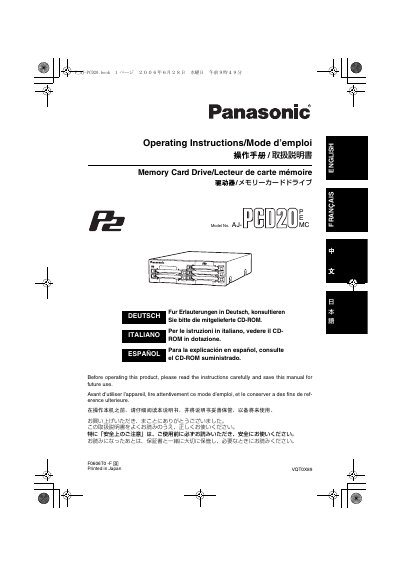
Panasonic AJPCD20-MUL Manual
The Panasonic AJ-PCD20 is a data transfer device designed specifically for P2 cards. It supports high-speed transfers of clip data shot with a memory card camera recorder to personal computers running Windows or Macintosh operating systems via USB 2.0 or IEEE1394b interfaces.
Read onlinePanasonic AJ-PCD20 specifications
| Interface | USB 2.0 or IEEE1394b |
|---|---|
| Compatible Media | P2 cards only |
| Power Input (External) | DC IN 16V Socket |
| Power Input (Internal) | DC IN 12V Socket |
Source: Panasonic AJPCD20-MUL Manual
All Panasonic AJ-PCD20 documents by type
Day-to-day operation, settings and troubleshooting. Start here if the product is already set up.
Questions answered in these manuals
What causes the 'Device Removal' message to appear on a Macintosh?
The message may appear if the AJ-PCD20 is connected to a Macintosh and then the Macintosh is turned on, or when the P2 card is reinserted because the icon does not appear.
Is the 'Device Removal' message a malfunction?
No, this is not a malfunction.
Can I remove the P2 card while it is being accessed?
No, do not remove the P2 card during access of the card, otherwise files may be corrupted or the card may fail.
Does this drive support USB 1.1?
No, the P2 drive supports USB 2.0 only and does not support personal computers compliant with USB 1.1.
What power supply is required when the AJ‑PCD20 is mounted inside a PC?
When installed internally, the drive uses a DC 12 V, 0.8 A power source supplied by the computer’s internal power connectors.