
Key facts
- Brand
- Panasonic
- Model
- WV-CS570
- Category
- Monitoring Equipment
- Industry
- Electronics
- Documents
- 2
- Languages
- EN · ZH
- Last added
- 2012-03-13
Start here
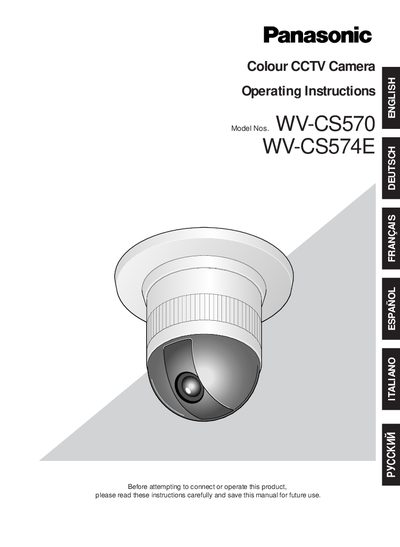
Panasonic WV-CS570 / WV-CS574E User Manual
This manual covers safety precautions, wiring, and proper handling of the Panasonic WV‑CS570/WV‑CS574E colour CCTV camera. It explains grounding, power connection, and environmental limits to prevent electric shock and damage.
The document also describes the camera’s features such as a 1/4‑type CCD, 22× zoom lens, digital flip, privacy zone, and motion detection, and provides step‑by‑step installation, DIP‑switch configuration, RS‑485 setup, and menu operation instructions.
Panasonic WV-CS570 specifications
| Power Supply | 220 V‑240 V AC (WV‑CS570) / 24 V AC (WV‑CS574E) |
|---|---|
| Operating Temperature | -10 °C to +50 °C |
| Maximum Humidity | < 90 % |
| Zoom Lens | 22× optical zoom |
All Panasonic WV-CS570 documents by type
Day-to-day operation, settings and troubleshooting. Start here if the product is already set up.
Questions answered in these manuals
What is the power source for the camera?
The input power source is 220 V‑240 V AC for the WV‑CS570 model and 24 V AC for the WV‑CS574E model.
What safety steps should be taken before installing the camera?
Read all safety instructions, ensure the unit is earthed, turn off the mains power, and keep the camera away from rain or moisture.
How many preset positions does the WV‑CS570 support?
The camera can store up to 32 preset positions.
What is the minimum illumination required for color mode?
The minimum illumination is 0.03 Lux in SENS UP mode.