
Key facts
- Brand
- Panasonic
- Model
- DMC-FX01
- Category
- Digital cameras
- Documents
- 2
- Languages
- EN · JA
- Last added
- 2012-08-09
Start here
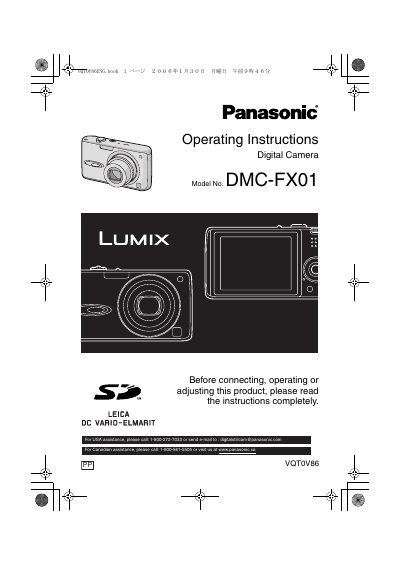
Panasonic DMCFX01-MULTI Manual
User Manual 116 pages · 6.1 MB · EN
This document provides operating instructions for the Panasonic DMC-FX01 digital camera. It includes safety warnings, descriptions of standard accessories, and detailed steps for preparing the camera, such as charging the battery and inserting the memory card. The manual also explains how to set the date and time and navigate the setup menu.
Read onlinePanasonic DMC-FX01 specifications
| Dimensions | 94.1 mm × 51.1 mm × 24.2 mm |
|---|---|
| Weight (including battery and SD card) | 160 g |
| Battery | 3.7 V, 1150 mAh |
| Power Input | 110 V–240 V, 50/60 Hz, 0.2 A |
| Maximum Image Resolution | 2816 × 2112 pixels |
| USB Interface | USB 2.0 (Full Speed) |
All Panasonic DMC-FX01 documents by type
User Manual 2
Day-to-day operation, settings and troubleshooting. Start here if the product is already set up.
Questions answered in these manuals
What is the recommended temperature range for storing the battery?
The recommended storage temperature is between 15 °C and 25 °C (59 °F to 77°F).
How long should the camera be left off to let condensation disappear?
You should leave the camera off for about 2 hours until the fog disappears.
What is the recommended operating temperature range?
The ideal operating temperature is 15 °C to 25 °C.
How should the battery be replaced?
Only use a battery of the same type or an equivalent model approved by the manufacturer.