
Key facts
- Brand
- Panasonic
- Model
- PT-LB55
- Documents
- 2
- Languages
- EN · JA
- Last added
- 2012-08-07
Start here
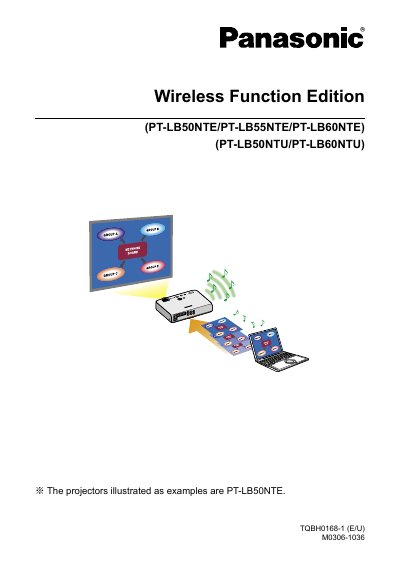
Panasonic (PT-LB50NTE/PT-LB55NTE/PT-LB60NTE) (PT-LB50NTU/PT-LB60NTU) Manual
This manual provides instructions for the Wireless Function Edition of the Panasonic PT-LB50NTE/PT-LB55NTE/PT-LB60NTE (PT-LB50NTU/PT-LB60NTU) projectors. It details the setup and usage of the Wireless Manager mobile edition 3.0 software, which allows users to connect the projector to a computer via a wireless LAN to send moving and still images. The guide covers system requirements, installation steps, and various connection methods including Easy Wireless Set Up and connections through an access point.
Read onlinePanasonic PT-LB55 specifications
| Wireless Frequency Band | 2.4 GHz band |
|---|---|
| Operating System | Microsoft Windows 2000 Professional/XP Home Edition/XP Professional |
| CPU Requirement | Pentium III or faster or compatible processor |
| RAM Requirement | 256 MB or more |
| Hard Disk Capacity | 60 MB or more |
| Wireless Standard | 802.11 b/g |
| Web Browser | Internet Explorer 6.0 or newer |
| DirectX Requirement | DirectX 8.1b or newer |
Source: Panasonic (PT-LB50NTE/PT-LB55NTE/PT-LB60NTE) (PT-LB50NTU/PT-LB60NTU) Manual
All Panasonic PT-LB55 documents by type
Day-to-day operation, settings and troubleshooting. Start here if the product is already set up.
Questions answered in these manuals
Is a radio station license required to use the projector's wireless function?
No, a radio station license is not required, but users must read and understand the usage notes before use.
From: Panasonic (PT-LB50NTE/PT-LB55NTE/PT-LB60NTE) (PT-LB50NTU/PT-LB60NTU) Manual
Can the projector's wireless communication penetrate steel reinforcements or concrete?
No, wireless communication radio waves cannot penetrate steel reinforcements, metal, or concrete.
From: Panasonic (PT-LB50NTE/PT-LB55NTE/PT-LB60NTE) (PT-LB50NTU/PT-LB60NTU) Manual
What safety precautions must be taken before using the projector?
The equipment must be grounded, fire‑hazard precautions must be observed, and the ground pin must not be removed.
From: Panasonic PT-LB50/PT-LB55/PT-LB60 LCD Projector User Manual
How do I connect the projector to a PC?
Use a cable that includes an RS‑232C interface to connect the projector to the computer.
From: Panasonic PT-LB50/PT-LB55/PT-LB60 LCD Projector User Manual