
Key facts
Start here
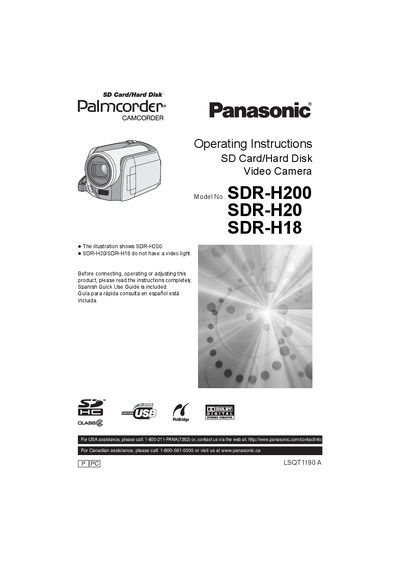
Panasonic SDR-H200/SDR-H20/SDR-H18 Camcorder Operating Instructions
This manual covers safety precautions, battery handling, power‑supply requirements and proper handling of the camcorder. It explains how to install accessories, connect the unit to power outlets, and use the LCD monitor and remote control.
Detailed sections describe recording modes, playback functions, file management on the internal 30 GB hard‑disk and SD cards, and how to connect the camera to a computer (Windows or Macintosh) for image transfer and DVD creation. The final chapters list technical specifications, optional accessories and warranty information.
Panasonic SDR-H20 specifications
| Power source | DC 7.9 V / 7.2 V |
|---|---|
| Recording format (SD card) | Based on the SD‑Video standard |
| Image sensor (SDR‑H200) | 1/6" 3CCD, 800 K effective pixels |
| Image sensor (SDR‑H20/SDR‑H18) | 1/6" CCD, 680 K effective pixels |
| Optical zoom | 10× (SDR‑H200) / 32× (SDR‑H20/SDR‑H18) |
| LCD monitor | 2.7" wide, approx. 123 K pixels |
| Dimensions | 61 mm W × 32 mm H × 91 mm D |
| Mass | Approx. 110 g (0.24 lb) |
Source: Panasonic SDR-H200/SDR-H20/SDR-H18 Camcorder Operating Instructions
All Panasonic SDR-H20 documents by type
Day-to-day operation, settings and troubleshooting. Start here if the product is already set up.
Questions answered in these manuals
Can the camera be used near water or in wet conditions?
No. The manual warns not to expose the apparatus to rain, moisture, splashing, or to operate it near water.
From: Panasonic SDR-H200/SDR-H20/SDR-H18 Camcorder Operating Instructions
How much internal storage does the camcorder have?
The unit contains a 30 GB internal hard‑disk, though usable capacity is less after formatting.
From: Panasonic SDR-H200/SDR-H20/SDR-H18 Camcorder Operating Instructions
Can the camera be used in rainy or wet environments?
No. The manual warns not to expose the device to rain, moisture, or shallow water.
From: Panasonic SDR-H250GC / SDR-H21GC / SDR-H20GC Video Camera User Manual