
This document introduces the features of the Panasonic DMC-FZ1000 camera, including SUPER-D3, ALC/ELC, LANGUAGE, CAMERA ID, and other settings.
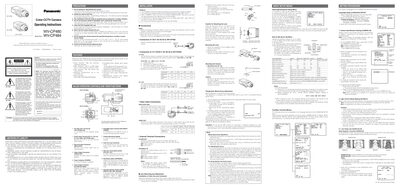
This manual explains how to configure the Panasonic WV-CP480 and WV-CP484 cameras, covering menu navigation, language selection, camera ID setup, light‑control modes (ALC/ELC), and the SUPER‑D3 backlight compensation feature. Detailed instructions are given for adjusting settings such as shutter, gain, and focus, as well as for using the privacy zone and motion detection functions.
Installation guidance includes mounting the camera, connecting power (120 V AC or 12 V DC/24 V AC), wiring video, alarm, and day/night inputs, and performing back‑focus adjustments. Safety warnings and recommended tools are also provided to ensure proper and secure deployment.
| Power source pin voltage | +9 V DC, 50 mA max |
|---|---|
| Video signal level | 0.7 V P‑P / 40 kΩ |
| Operating voltage range (DC) | 10.8 V DC to 16 V DC |
Select LANGUAGE on the top menu, press SET, then choose the desired language from the list.
Use the CAMERA ID menu to enter up to 16 characters, then press SET to save the ID that will overlay on the picture.
Remove the two fixing screws, attach the mount adapter to the top, and secure the camera with the original fixing screws.
The supplied voltage must be between 10.8 V DC and 16 V DC.