
Key facts
- Brand
- Panasonic
- Model
- KX-FL318CN
- Category
- Other device
- Documents
- 2
- Languages
- ZH
- Last added
- 2012-03-20
Start here
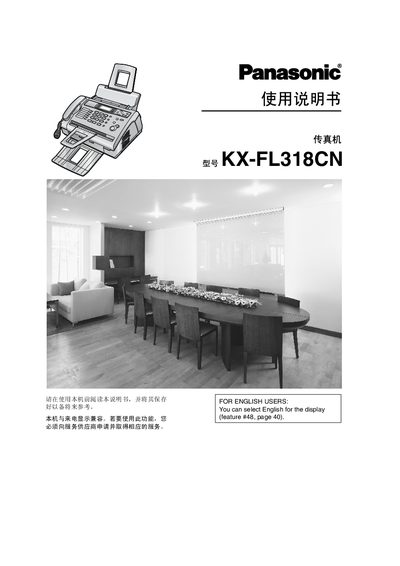
Panasonic KX-FL318CN Fax Machine User Manual
This manual covers the installation, configuration, and daily use of the Panasonic KX-FL318CN fax machine. It includes detailed descriptions of the control panel, button functions, and programming features.
Safety guidelines, maintenance procedures, and troubleshooting tips are also provided to ensure reliable operation and compliance with environmental regulations. This manual is written in Chinese.
All Panasonic KX-FL318CN documents by type
Day-to-day operation, settings and troubleshooting. Start here if the product is already set up.
Questions answered in these manuals
How can I change the display language to English?
Refer to the function on page 40 to switch the display language to English.
What should I do before cleaning the fax machine?
Unplug the power cord before cleaning the machine.
How can I change the display language to English?
Select English in the display settings; see feature 8 on page 40 for instructions.
What safety steps should I take before cleaning the fax machine?
Unplug the power cord and do not use liquids or spray cleaners.