
Key facts
- Brand
- Panasonic
- Model
- DMC-FX07
- Category
- Other Electronics
- Industry
- Electronics
- Documents
- 3
- Languages
- EN · ZH · JA
- Last added
- 2012-08-09
Start here
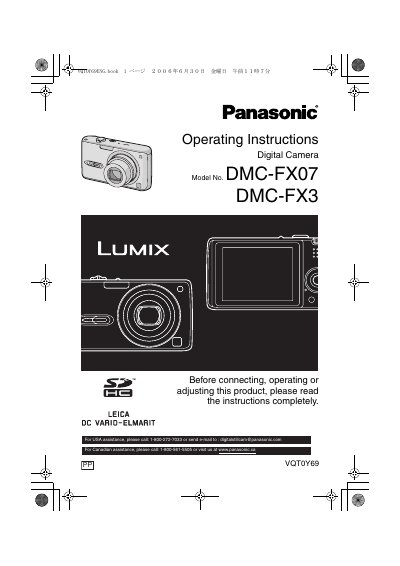
Panasonic DMCFX07-MUL Manual
This document provides operating instructions for the Panasonic DMC-FX07 and DMC-FX3 digital cameras. It covers safety information, preparation steps including battery and memory card handling, and basic camera care such as avoiding moisture and condensation.
The guide details how to use various shooting modes via the mode dial, including Normal, Macro, Motion Picture, Scene, and Simple modes. It also explains advanced features like optical zoom, digital zoom, image stabilization, burst mode, and specific scene modes for portraits, sports, and night photography.
Panasonic DMC-FX07 specifications
| Operating temperature | 0°C to 40°C |
|---|---|
| Operating humidity | 10% to 80% |
| Charger input | 110 V to 240 V, 50/60 Hz, 0.2 A |
| Charger output | 42 V, 0.8 A |
| Battery pack rating | 3.7 V, 1150 mAh |
Source: Panasonic DMC-FX07 and DMC-FX3 Digital Camera User Manual
All Panasonic DMC-FX07 documents by type
Day-to-day operation, settings and troubleshooting. Start here if the product is already set up.
Questions answered in these manuals
What is the recommended storage temperature for the battery?
The recommended temperature range for storing the battery is 15°C to 25 °C (59 °F to 77 °F).
How should condensation on the lens be prevented?
To prevent condensation, put the camera in a plastic bag until its temperature is close to the ambient temperature.
Can the camera record moving images?
Yes. Movie mode allows the camera to record dynamic images.
From: Panasonic DMC-FX07 and DMC-FX3 Digital Camera User Manual
Can the DMC-FX3 take pictures without a memory card?
Yes. When no memory card is used, the DMC-FX3 can take and play back pictures using its built-in memory.
From: Panasonic DMC-FX07 and DMC-FX3 Digital Camera User Manual
How do I charge the battery?
Connect the AC cable to the charger, insert the battery with the correct polarity, and when the CHARGE indicator lights green charging starts; it finishes when the light turns off after about 130 minutes.
From: Panasonic DMC-FX07 / DMC-FX3 Digital Camera User Manual
What is the recommended way to store the battery when not in use?
Remove the battery and memory card, store the battery in a cool, dry place at 15 °C‑25 °C with 40 %‑60 % humidity, and optionally place a desiccant packet nearby.
From: Panasonic DMC-FX07 / DMC-FX3 Digital Camera User Manual