
Key facts
Start here
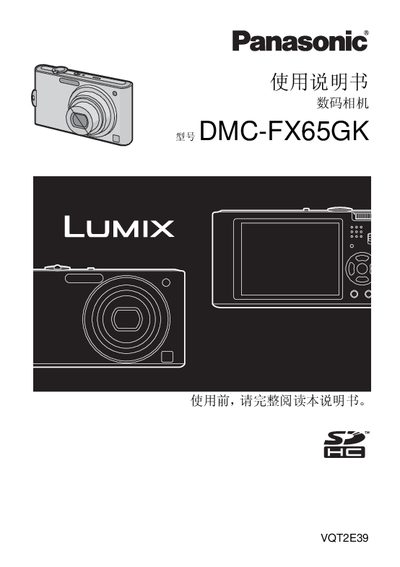
Panasonic DMC-FX65GK Digital Camera User Manual
This manual covers safety precautions, battery handling, and the accessories supplied with the Panasonic DMC-FX65GK digital camera. It explains how to charge the battery, insert memory cards, and connect the camera to external devices such as a PC or TV.
Detailed sections describe shooting modes, playback functions, menu navigation, and troubleshooting tips. The guide also includes information on cleaning, environmental considerations, and regulatory compliance for the camera and its components. This manual is written in Chinese.
Panasonic DMC-FX65GK specifications
| Dimensions | 约 97.2 mm (宽) x 54.1 mm (高) x 19.4 mm (深) |
|---|---|
| Weight (without battery) | 约 126 g |
| Battery voltage / capacity | 3.6 V / 940 mAh |
| Charging voltage | 4.2 V |
| Charging time (full discharge) | 约 130 分钟 |
| Maximum image resolution | 4000 x 3000 像素 |
| Shutter speed range | 8 秒 – 1/2000 秒 |
| Approx. images per full charge | 约 360 张 (CIPA standard) |
Source: Panasonic DMC-FX65GKManual
All Panasonic DMC-FX65GK documents by type
Day-to-day operation, settings and troubleshooting. Start here if the product is already set up.
Questions answered in these manuals
How do I charge the battery?
Connect the supplied Panasonic charger to AC power and insert the battery; the [CHARGE] indicator will turn green while charging and turn off when charging is complete.
What should be done before using the camera for the first time?
Read the entire manual and charge the battery before first use.
Is the camera waterproof?
No, the camera is not waterproof; water or seawater should be wiped off with a dry cloth.