
This document describes the usage and settings of the SUPER-D3 function. SUPER-D3 can automatically compensate for backlight or be manually set. When noise, flickering, or color deterioration are observed in bright areas, SUPER-D3 should be set to OFF.
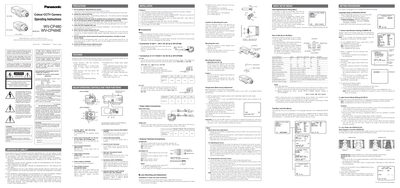
This manual covers safety precautions, installation steps, and wiring requirements for the Panasonic WV-CP480 series and WV-CP484E cameras. It explains power connections, video and alarm outputs, lens mounting, and back‑focus adjustment, as well as how to navigate the camera’s on‑screen setup menus.
The document also details environmental limits, cleaning procedures, and recommended mounting practices to ensure reliable operation and compliance with electrical safety standards.
| Power Input (WV‑CP480) | 220‑240 V AC 50 Hz |
|---|---|
| Power Input (WV‑CP484E) | 24 V AC or 12 V DC |
| Operating Temperature Range | -10 °C to +50 °C |
| Maximum Humidity | 90 % RH |
| Sensitivity (BAV mode) | 0.08 lx |
| Sensitivity (Colour mode) | 0.6 lx |
| Resolution | 540 lines typical, 520 lines minimum |
| Image Sensor | 1/3 inch CCD (Super‑Dynamic) |
The WV‑CP480 is powered from a 220‑240 V AC mains supply at 50 Hz.
The WV‑CP484E can be powered by either 24 V AC or 12 V DC.
The camera should be used between –10 °C and +50 °C with humidity below 90 %.
Mount the camera using the original fixing screws, avoid lenses heavier than 450 g, and secure the mount adapter with two original screws.