
Key facts
Start here
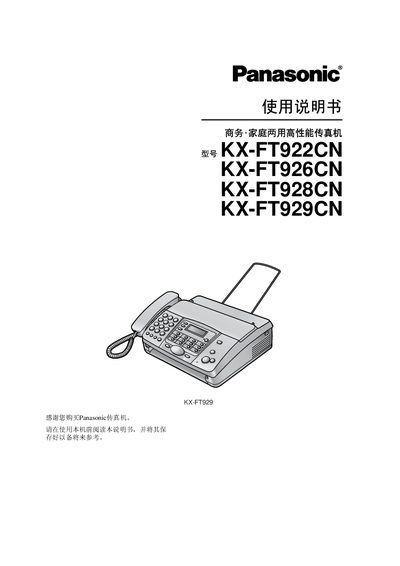
Panasonic kx-ft922/926/928/929cnFax user manual
This manual provides step‑by‑step instructions for installing and quickly starting Panasonic KX‑FT fax machines (models FT922, FT926, FT928, FT929). It covers connecting power, telephone line, microphone, loading thermal recording paper, and basic setup.
The guide also details how to send and receive faxes, make copies, use the built‑in answering‑machine, program advanced functions, troubleshoot common issues, and maintain the unit (cleaning, paper handling, and power specifications). This manual is written in Chinese.
Panasonic FT926 specifications
| Supported line | Public switched telephone network |
|---|---|
| Maximum document size | 216 mm × 600 mm |
| Effective scan width | 208 mm |
| Recording paper size | 216 mm × up to 30 m roll |
| Transmission time per page | ≈15 seconds |
| Scan density (standard) | 8 pels/mm horizontal, 3.85 lines/mm vertical |
| Scanner type | Contact image sensor |
| Printer type | Thermal printer |
| Modem speeds | 9,600 / 7,200 / 4,800 / 2,400 bps (auto‑downshift) |
| Power consumption (standby) | ≈3.0 W |
| Dimensions (HxWxD) | ≈120 mm × 347 mm × 270 mm |
| Weight | ≈2.6 kg (FT922/FT928) or ≈2.7 kg (FT926/FT929) |
| Power supply | 220‑240 V AC, 50/60 Hz |
All Panasonic FT926 documents by type
Day-to-day operation, settings and troubleshooting. Start here if the product is already set up.
Questions answered in these manuals
What is the standby power consumption?
The unit consumes about 3.0 W in standby mode.
What safety steps should I take before cleaning the unit?
Unplug the fax machine, do not use liquid or spray cleaners, and wipe it with a damp cloth only.
From: Panasonic KX-FT922CN / KX-FT926CN / KX-FT928CN / KX-FT929CN Fax Machine User Manual
What is the maximum paper size the fax can handle?
The machine accepts documents up to 216 mm wide and 600 mm long.
From: Panasonic KX-FT922CN / KX-FT926CN / KX-FT928CN / KX-FT929CN Fax Machine User Manual