
This manual describes the functions and usage of the Extech Humidity Alert II Remote Probe Hygrometer. The device can measure temperature and humidity, and it emits an alarm when the %RH exceeds a preset high or low limit. The manual also describes how to adjust humidity and temperature and how to use the wall-mounted stand.
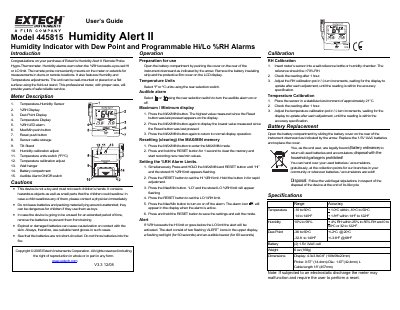
The Extech 445815 Humidity Alert II is a remote probe hygro-thermometer that warns when relative humidity exceeds pre-set high or low limits. It features a temperature-humidity sensor, dew point display, and an audible alarm with a red light. The unit can be wall-mounted or placed on a flat surface using a fold-out stand.
| Battery Type | 2 x 1.5V AAA cells |
|---|
Simultaneously press and hold the MAX/MIN and RESET buttons until 'HI' appears, press RESET to set the limit, then repeat for 'LO'.
The alert activates with two flashing 'ALERT' icons, a flashing red light for 60 seconds, and an audible buzzer for 60 seconds.