
TL-WR541G 54M Wireless Router is a registered trademark of TP-LINK TECHNOLOGIES CO., LTD. This router is a device that supports a wireless speed of 54M and complies with the limits set by the FCC, providing reasonable protection against harmful interference in residential installations. The equipment can generate, use, and radiate radio frequency energy, and if not installed and used according to the instructions, may cause harmful interference to radio communications.
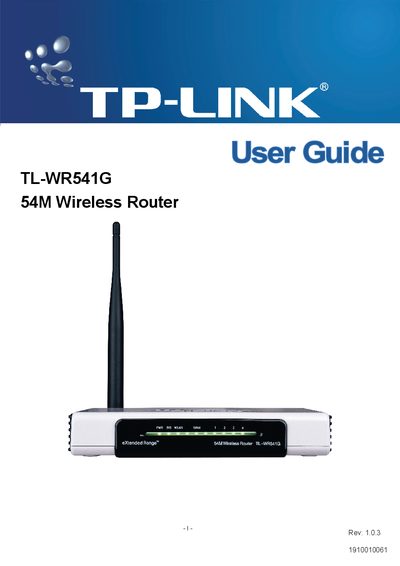
This guide introduces the TL‑WR541G 54Mbps wireless router, outlines its hardware layout, and explains the basic concepts of wireless networking. It includes safety and regulatory information, such as FCC and CE compliance, and lists the package contents.
The manual walks you through connecting the router, performing a quick installation, configuring wireless settings, security features, DHCP, port forwarding, DMZ, firewall, and advanced system tools. Appendices cover PC configuration, detailed specifications, and a glossary of networking terms.
| Maximum data rate | 54 Mbps |
|---|---|
| Frequency band | 2400.0‑2483.5 MHz |
| Regulatory class | Class B |
The device must not cause harmful interference and must accept any interference it receives.
Select the "Factory Defaults" option in the System Tools section to reset all settings to their original values.
DMZ allows a local host to be exposed to the Internet for special‑purpose services such as gaming or videoconferencing.