
This document is the user manual for TP-LINK TD-8811/TD-8811B External ADSL2+ ROUTER.
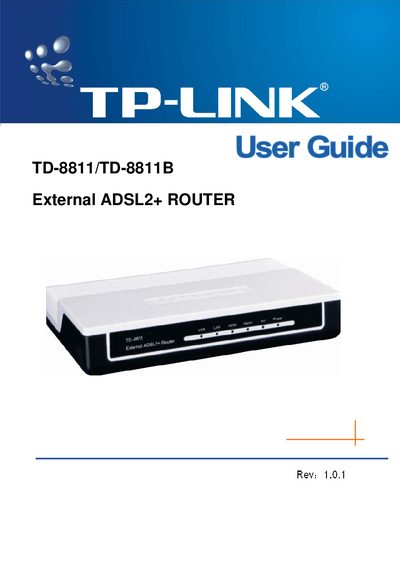
The TP‑Link TD‑8811/TD‑8811B is a plug‑and‑play external ADSL2+ router with Ethernet, USB, and ADSL interfaces. It supports standard ADSL2+ protocols, NAT, DHCP, and auto‑MDIX, providing a simple solution for SOHO internet access.
The guide provides detailed hardware installation steps, LED indicator explanations, default configuration settings, and troubleshooting tips. It also lists the package contents and includes a quick installation guide and contact information for further assistance.
| Maximum download data‑rate | 24 Mbps |
|---|---|
| Maximum upload data‑rate | 1 Mbps |
| Maximum line length | 6 km |
| Operating temperature | 0 °C ~ 40 °C |
| Storage temperature | -40 °C ~ 70 °C |
| Humidity (non‑condensing) | 10 % ~ 90 % |
| Adapter power output | 9 VAC / 0.8 A, 50/60 Hz |
| Power consumption (max) | 4 W |
Both the default username and password are "admin".
The router’s default IP address is 192.168.1.1.
The front panel has a red power indicator and five green function indicators for Power, WAN, ADSL, LAN, and USB status.