
TL-PA251 AV200+ is a gigabit powerline adapter from TP-LINK, supporting 802.11n 300Mbps wireless speed and PlxLink technology, with a maximum of 16 powerline networks and AC Pass Through function
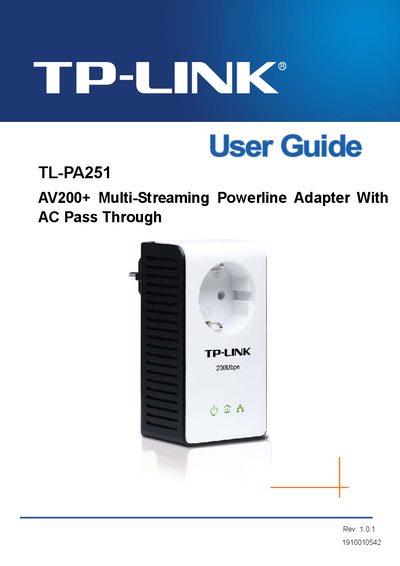
This guide introduces the TL-PA251 AV200+ Multi-Streaming Powerline Adapter, explaining how it turns existing home electrical wiring into a high‑speed network. It covers safety precautions, physical interfaces, LED status indicators, and the integrated electrical socket that lets you keep using the outlet.
The manual details the connection mechanism, pairing process, use of the optional Management Utility, troubleshooting tips, and a complete specification table. It also explains how to reset the device to factory defaults and how to interpret the Power, Powerline, and Ethernet LEDs.
| Standards | HomePlug AV, IEEE802.3, IEEE802.3u |
|---|---|
| Modulation Technology | OFDM |
| Protocol Support | TCP/IP |
| Data Rate | 200Mbps |
| Range | 300 meters in house |
| LEDs | Power, Powerline, Ethernet |
| Ethernet LAN Port | 1 |
| Integrated Electrical Socket | 1 |
| Encryption | 128‑bit AES |
| Power Consumption | 3 W |
| Power Output (Max Load) | 10 A |
| Dimensions (L×W×H) without plug | 4.3×2.3×1.7 in (110×58×43 mm) |
| Operating Temperature | 0 °C ~ 40 °C |
| Operating Humidity | 10 % ~ 90 % RH, non‑condensing |
Open the Management Utility on a connected computer and use the Reset function to restore the adapter to its default settings.